Create a new Campaign
To create a new Campaign:
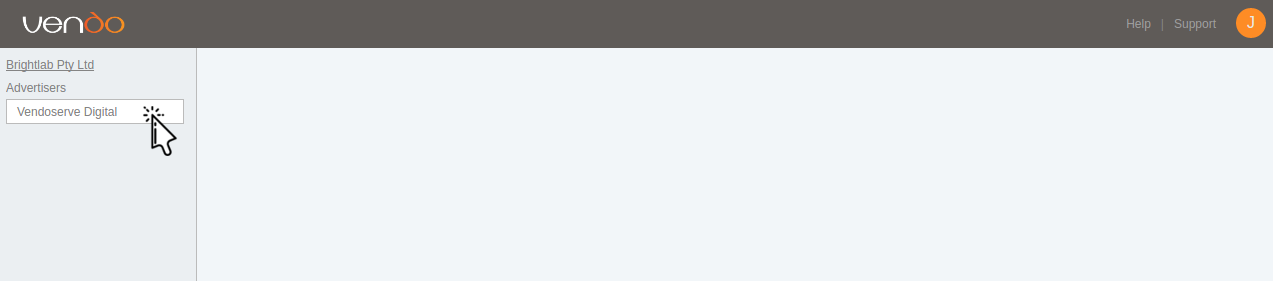
Open Vendo Console (https://secure.vendoserve.com) and select the advertiser for which you want to create a new campaign on the side bar.
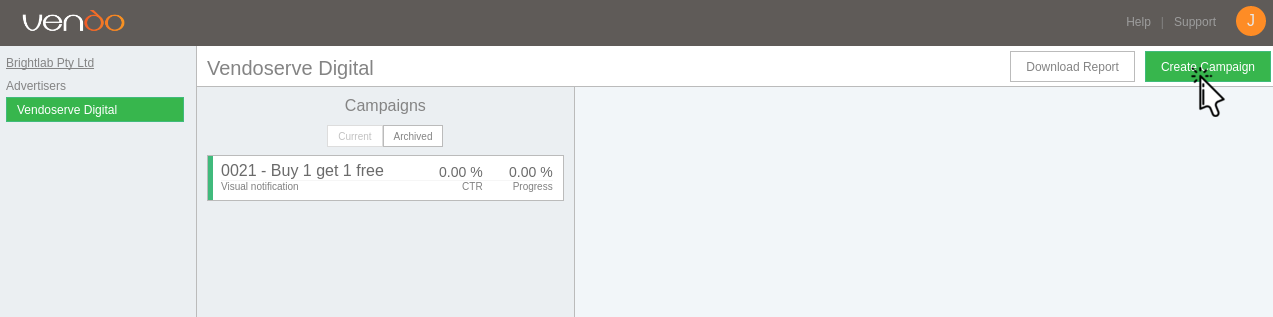
Click the Create Campaign button.
The New Campaign Page will be displayed which contains the required information for the new campaign.

The following fields appear on the New Campaign Page:
Field Description Data Type Campaign Name A descriptive name for the campaign. Text Ad Unit The Ad Unit of the creative Ad. Drop Down Spend Limit The maximum allowed spend for the campaign (currency based on ad unit selected). Real Number Daily Spend Limit The maximum allowed spend per day for the campaign (currency based on ad unit selected). Real Number Runtime Start and End Date during which the campaign will serve ads. Date Daily Schedule The daily schedule option allows Advertisers to set very specific times during which the campaign will serve ads. Date & Time Redirect URL The URL that any links generated when the ad is served will be redirected to. URL Once all fields are filled in click Submit to Create the campaign.
Once you clicked Submit on the new campaign page you will be redirected to the new campaigns creative page where you will be promted to upload a creative for the campaign. Fill out the required fields and select Done.
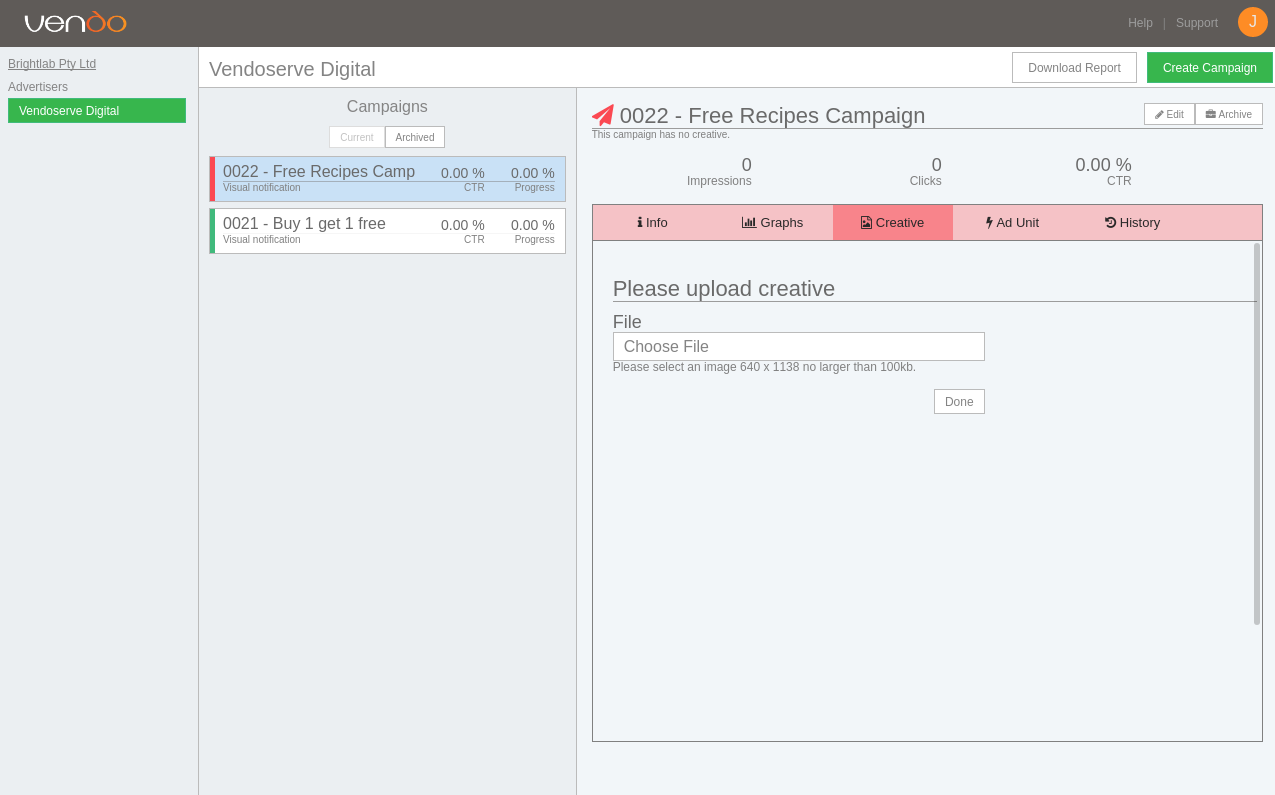
Once the creative is uploaded the campaign is almost ready. All that is left is to start the campaign by clicking the Start button in the to right corner.
