Download Campaign Report
To download a report for a campaign:
Open Vendo Console (https://secure.vendoserve.com) and select the advertiser which report you want to download.
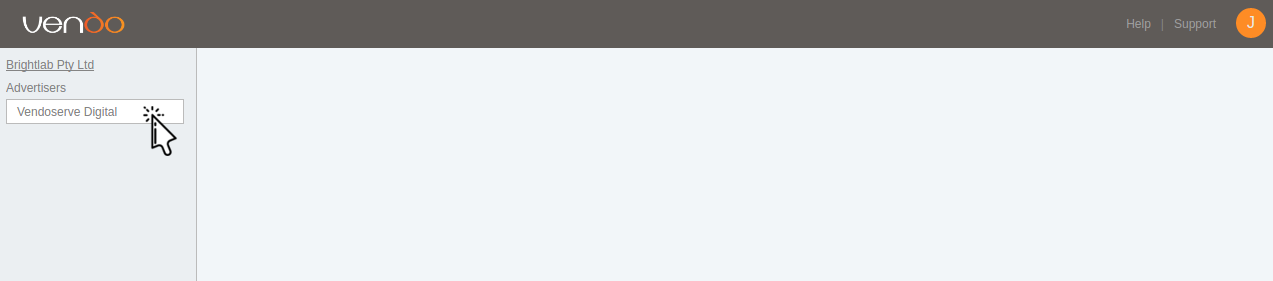
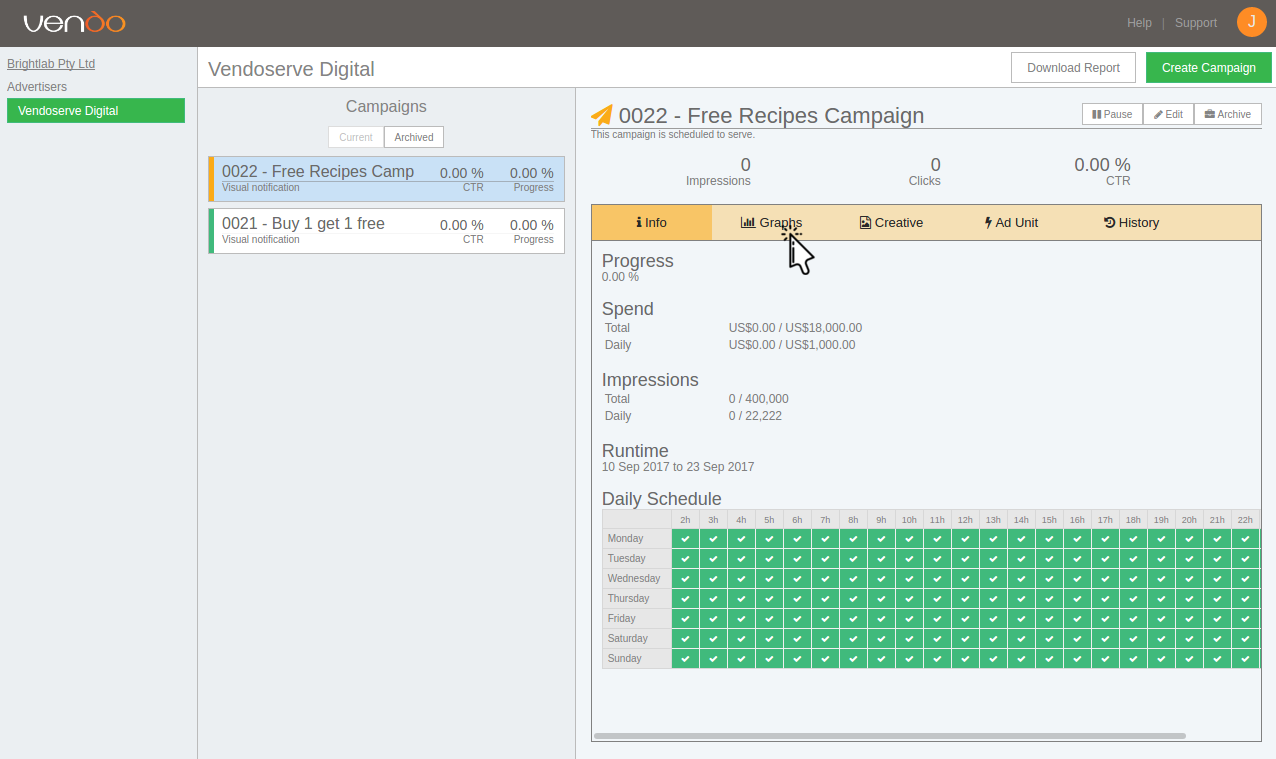
Click on the campaign for which you want to download a report.

Click on the Graphs button.
Set the start date, end date, and interval (hour, day, month) and then click the Export button.
